
Vx520
Tips on how to operate the Vx520 terminal for merchants
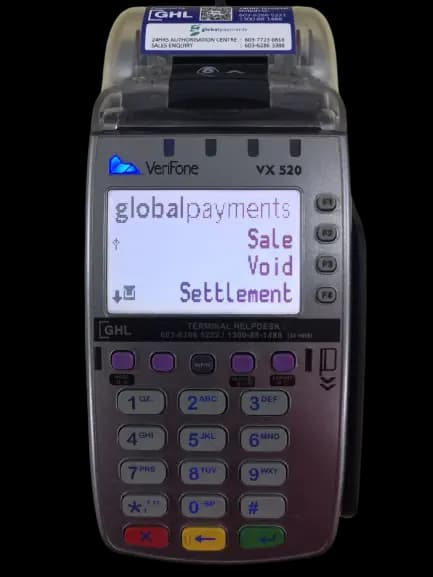
User & Video Guide for Vx520
This page provides access to essential resources and support materials for this in-store payment terminal. Browse the guides below for step-by-step instructions, operational tips, and troubleshooting information to help you manage day-to-day transactions with confidence.
Video Guides
Coming Soon
Notes
For Mobile Terminal
- DO NOT use a mobile charger. You are advised to use only an Original Terminal Charger to charge the terminal.
- DO NOT overcharge the device. Unplug charger from the terminal when the battery level has reached 100%.
- Avoid from using the terminal while it is charging.