
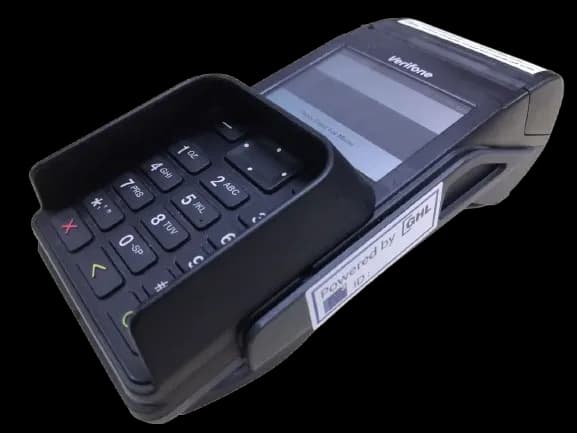
ENGAGE V200 / 205C
Tips on how to operate the Engage V200t / V205c terminal
User & Video Guide
This page provides guides and support materials for your in-store payment terminal. Browse the guides below for step-by-step instructions, operational tips, and troubleshooting information for daily transactions.
Video Guides
Sales (Insert)
Sales (Wave)
Sale (QR)
Sale Manual
Void
Settlement
Summary Report
Details Report
Reprint Receipt
Pre-Auth
Pre-Auth Completion
Notes
For Mobile Terminal
- DO NOT use a mobile charger. You are advised to use only an Original Terminal Charger to charge the terminal.
- DO NOT overcharge the device. Unplug charger from the terminal when the battery level has reached 100%.
- Avoid from using the terminal while it is charging.